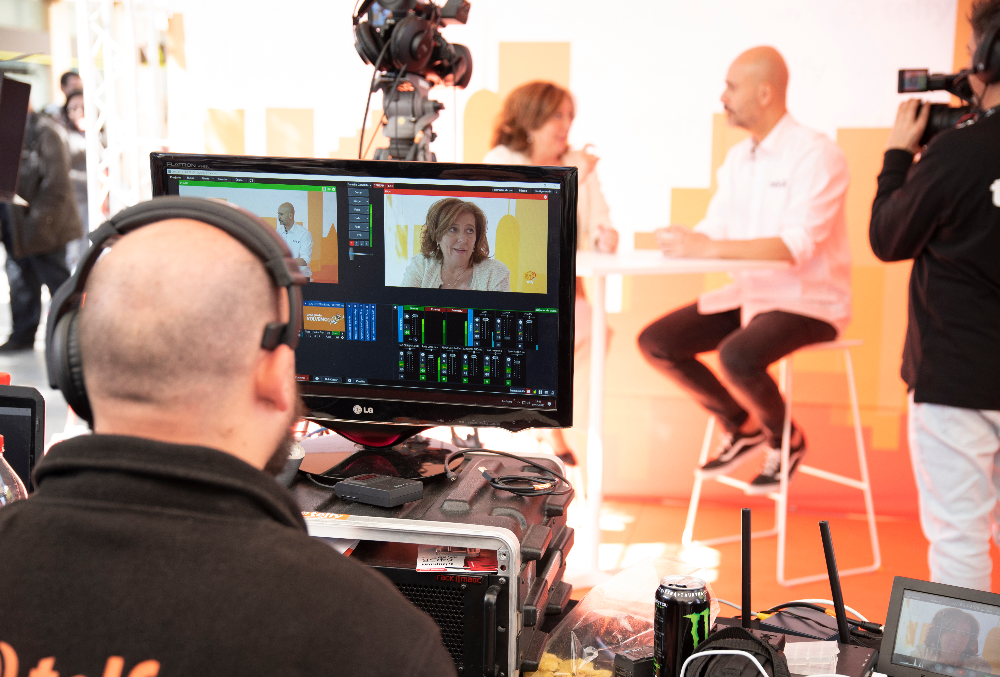
It’s three minutes past start time. The presenter is talking, but nobody can hear a word. The chat fills up with “audio?” and the viewer count starts drifting the wrong way. Most of us have watched some version of this play out, and most of the time it was avoidable.
Going live has never been easier. A laptop, a link and a few clicks will do it. That ease is precisely why so many livestreams events fall flat. Low barriers to entry have raised the bar for what audiences will tolerate, and they’re not grading on a curve.
A poorly executed stream does more than lose viewers. It shapes how people remember the brand behind it, and that impression tends to outlast the broadcast by a long way. We’ve spent plenty of time behind the camera on corporate livestreams and live event streaming projects, so this guide comes from the production side of the lens. These are the five best tips we can offer for getting it right.
1. Know What Kind of Event You’re Running
“Livestream event” covers a lot of ground. A product launch, a panel discussion, a conference broadcast, a hybrid event and an internal town hall all count, and each one demands a different production approach. A launch wants polish and a well-timed reveal. A town hall webinar wants reliability and a smooth question flow. Treat them the same and you end up with the wrong kit and the wrong plan.
So before you choose a format, decide what the event is for. What does a good outcome look like? Registrations, questions answered, a product understood, a team that feels informed? Write it down first, and the right format tends to reveal itself.
Once success is defined, the format questions get much easier to answer. Is it a single presenter or several speakers? Will the audience interact, or is this broadcast-only? Do you want live only, or a recorded replay as well? Hybrid events add another layer to those choices, because you are running two events at once, one in the room and one on screen. The online audience should never feel like an afterthought watching someone else’s party.
These decisions need settling early because everything else hangs off them. Your streaming platform choice, your equipment list and your run of show all flow from the format, so a change of heart in week three can mean rebuilding all three.
2. Choose the Platform That Matches Your Audience
Where you stream matters as much as what you stream, because each platform is built for a different crowd.
- YouTube Live for broad reach and discoverability
- LinkedIn Live for B2B and professional audiences
- Facebook Live for community and consumer brands
- Zoom for interactive internal events
- Dedicated streaming platforms for enterprise or ticketed events
- Your own website or landing page for full control over the viewer experience and the data it generates
Two practical checks narrow the choice further. What native engagement tools does each platform offer, such as chat, polls and reactions? And what does going live there technically require? A platform that looks perfect on paper can fall short if its tools don’t match the interaction you planned back in the format stage.
Once you’ve weighed the options, streaming to several platforms at once can look tempting. It can widen your reach, but it also adds technical complexity, and every extra destination is another thing that can go wrong on the day. It earns its place when your audience is genuinely split across channels and you have crew to monitor each feed. For a high-stakes event with a small team, one well-run stream often beats three shaky ones.
3. Build Your Audience Before the Stream Goes Live
Attendance gets decided by marketing, and it gets decided in the weeks before the event rather than the hour before. Flawless live streaming video production can’t rescue an empty room.
Start with the reason to show up live. A clear, compelling one will outperform a generic “join us” ask every time. Exclusive content, a live Q&A, a product reveal or a giveaway all give people a reason to be there at three o’clock rather than catching the replay later. Once you have that reason, every piece of promotion has something specific to say.
From there, the promotion works best as a sequence. Here’s a timeline you can adapt to the size of your event:
- Four Weeks Out: Confirm your reason to attend live and send the save-the-date
- Three Weeks Out: Open registration and capture attendee details at sign-up
- Two Weeks Out: Publish a speaker spotlight and ask each speaker to share it with their own network
- One Week Out: Send the first reminder, paired with a short teaser clip
- The Day Before: Send a second reminder with the start time and joining link
- On the Day: Run a social countdown and send a final nudge shortly before going live
A few details make the timeline work harder. Give speakers a ready-made image and a line of copy so sharing takes thirty seconds, because their audiences are often ones you can’t reach on your own. Keep teasers short and selective too. A clip of a keynote speaker previewing a single idea can do more than a full agenda, and it builds anticipation without giving everything away.
Resist the urge to add more touchpoints. Three or four reminders usually cover it. Beyond that, they start to feel like noise, and noise gets muted.
4. Get Your Equipment and Technical Setup Before You Go Live
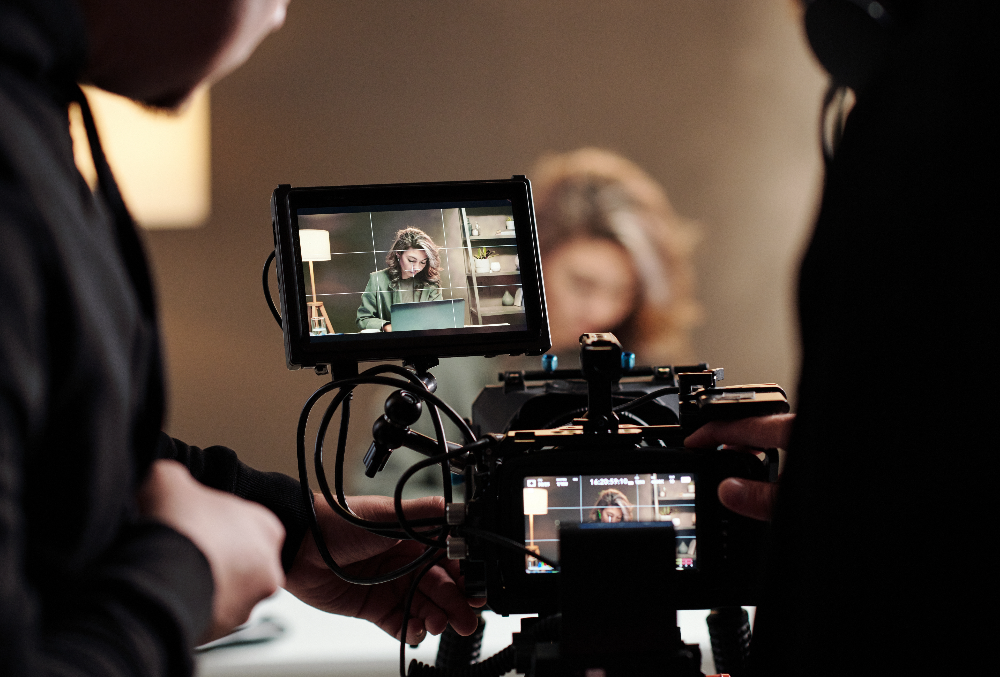
Four things carry the technical side of any stream: internet, audio, camera and lighting. Here’s what to get right on each, along with a few details that often get missed:
- Internet: Use a wired connection over Wi-Fi, every time. Check your upload speed against the stream quality you plan to run, since higher quality needs more headroom, and nothing else matters if the stream drops.
- Backup Connection: For a high-stakes event, this isn’t optional. A second line or a bonded cellular unit costs far less than a dead stream.
- Audio: A presenter with great sound on a mediocre camera will always outperform the reverse, because viewers forgive a slightly soft image far sooner than muffled speech. Lapel mics and USB condensers both have their place.
- Room Acoustics: Hard walls and empty space add echo that no microphone can fully remove.
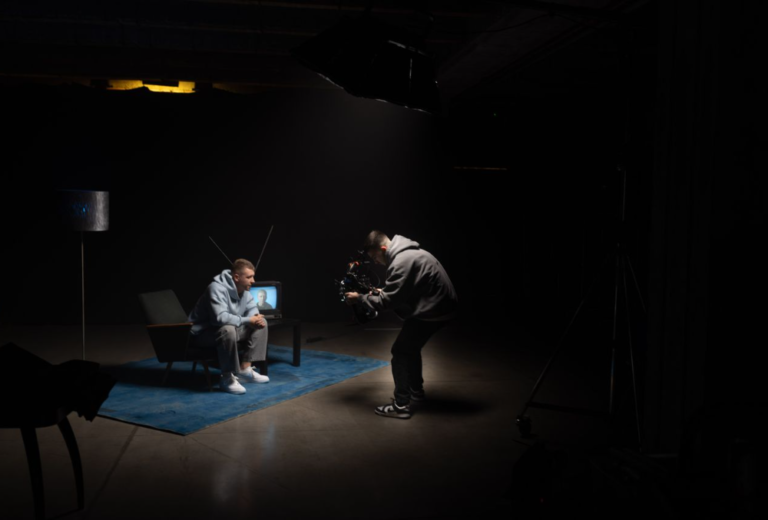
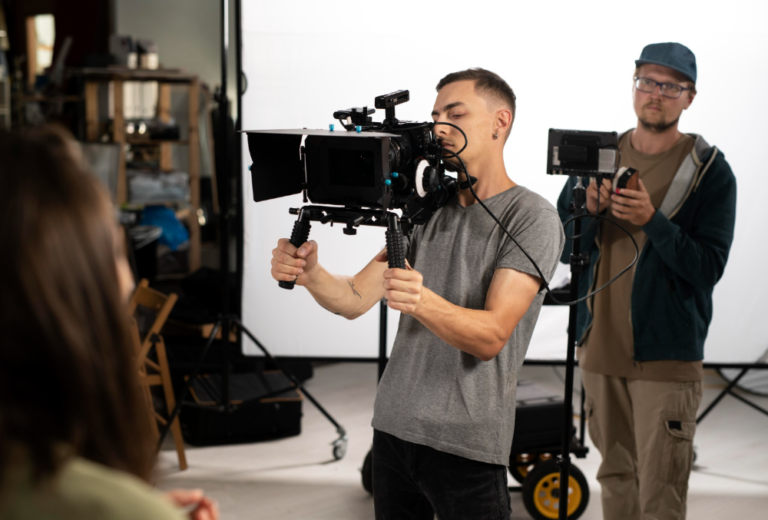
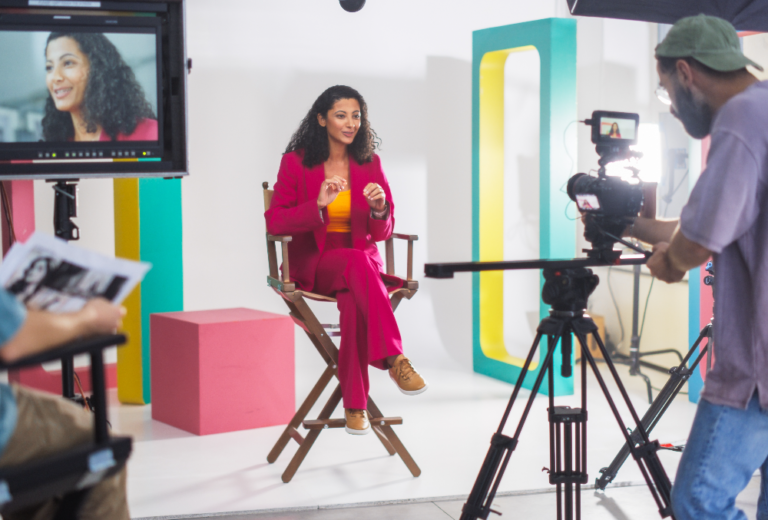
- Camera: A proper camera setup looks a world apart from a webcam, but a modest camera in a well-lit space still beats an expensive one in a dim room.
- Lighting: It often does more for perceived production quality than the camera itself. Even a simple setup, such as a key light with a softer fill, can transform how a stream looks.
- Framing: Keep the presenter’s eyeline near the lens, leave a little headroom and avoid busy backgrounds that compete for attention.
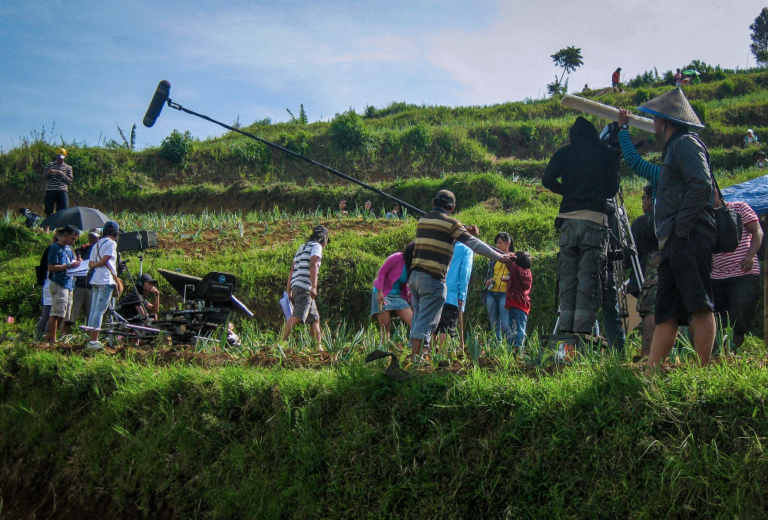
With the kit sorted, walk the venue or studio before the day. Check for power points, ambient noise, sightlines and where cables will run, because a tripped cable mid-keynote is a very avoidable story.
Rehearsal is where it all gets tested. A full dress rehearsal with every presenter, on the actual streaming setup, is non-negotiable. Run the show in order and against the clock, and make sure it covers the parts that tend to break once you’re live:
- Slide transitions and video playback, with every file played from the streaming machine
- Screen sharing, including how each speaker’s laptop connects
- Handovers between speakers, mic by mic
- On-screen graphics, such as names, lower thirds and polls, appearing on cue
- Chat and Q&A, with a test question making it from the audience to the presenter
- The switch to your backup connection, done on purpose so the first time isn’t live
A problem found on Tuesday is irritating. A problem found live is public.
5. Design the Experience So People Want to Stay Until the End
Getting people to tune in is one challenge. Keeping them there is a different problem, and it takes deliberate design as well as good content. Start with pacing:
- Open strong, with a clear signal of what viewers will get by staying
- Break up long segments before attention starts to drift
- Bring in interactivity at planned moments
- Build toward a payoff that rewards the people who lasted to the end
That payoff is worth designing on purpose. It could be an announcement saved for the last ten minutes, a giveaway drawn live or a Q&A with the most senior person on the call. Tell people early that it’s coming, and they’ll have a reason to hang around.
Engagement mechanics help keep viewers involved, because they give people something to do:
- Live polls for quick, low-effort participation
- Q&A windows where questions can be sent in before and during the event
- Chat interaction to make the audience feel like a room rather than a crowd
- On-screen graphics that respond to audience input
The catch is control. Assign a moderator to run the chat and pass questions to the presenter, and build each interactive moment into the run of show so it never derails the flow.
Presenters need a briefing too. Even experienced speakers benefit from guidance on performing to a camera rather than a room. Eye contact with the lens, pacing and acknowledging the virtual audience all need coaching, not assuming. Someone who commands a boardroom can look oddly lost staring at a lens.
Finally, plan for things going wrong, because eventually something will. A few contingencies keep a stream on track:
- Backup feed ready to switch to
- Holding slide for when you need a pause
- Second presenter ready to step in
- Producer calling the shots
The mindset matters as much as the kit. Stay calm, tell viewers briefly what’s happening and fix it. Audiences forgive a hiccup handled with composure.
A Great Livestream Doesn’t Happen Live, It Happens in the Preparation
Every element that makes a livestream feel effortless was decided well before anyone pressed the button. Format, platform, promotion, equipment, rehearsal and pacing all get settled in the preparation, and the live moment simply shows the result.
That’s the production angle worth remembering. The gap between a livestream that builds a brand and one that damages it almost always comes down to preparation. Talent rarely comes into it.
At Graphiss Media, we handle the production complexity so you can focus on the content. We’ve produced event video in Singapore and across Southeast Asia, so if you have a livestream event coming up and want a second pair of eyes on the plan, we’d be glad to hear about it.